
Do You Need a Mobile App or a Progressive Web App?
The real factors that determine whether you need a mobile app or PWA: device-specific features and user installation expectations. Updated for cross-platform frameworks like Expo.
What Are We Actually Comparing?
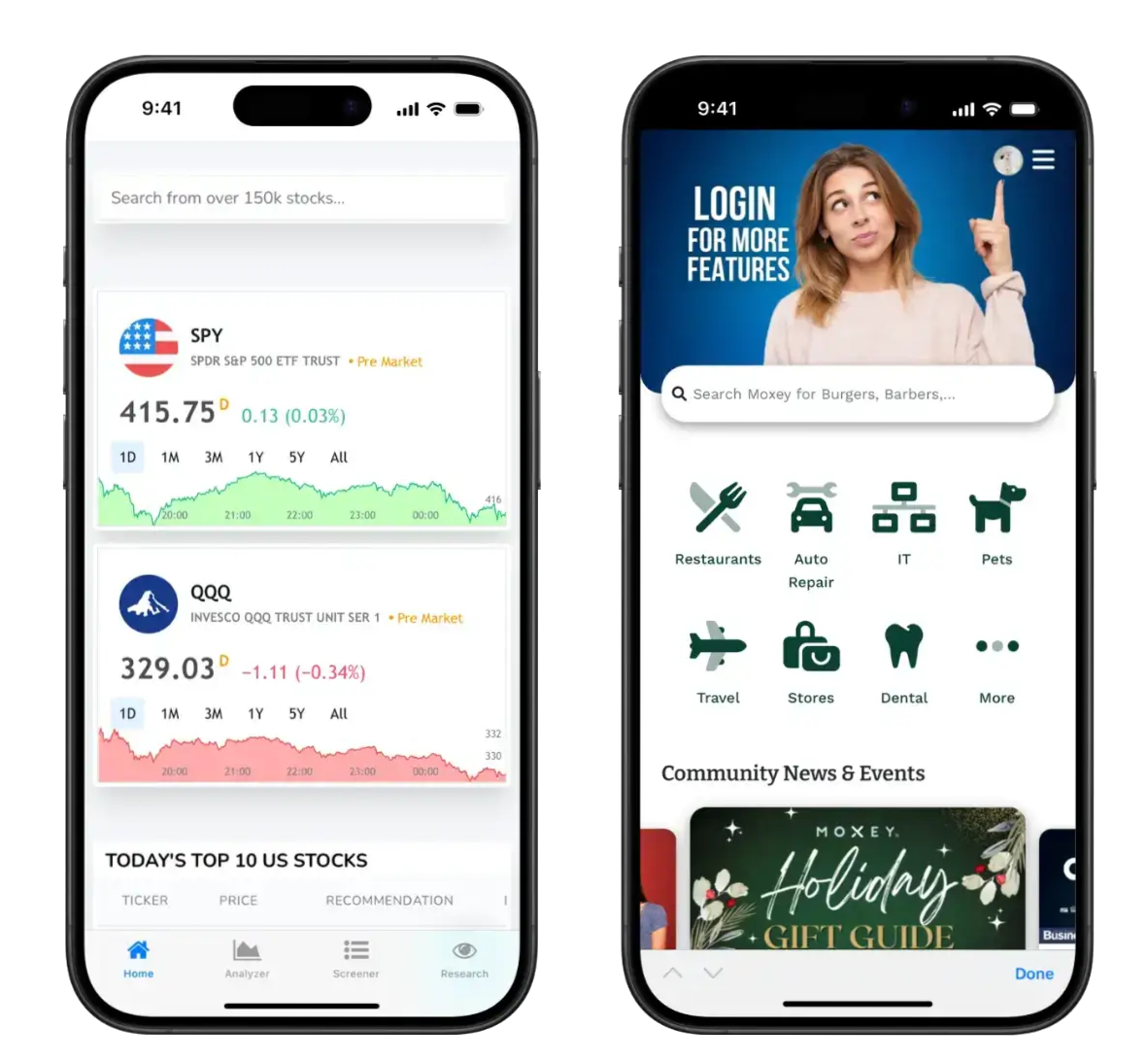
Installed from app stores onto your device. Can be built natively (Swift/Kotlin) or with cross-platform tools like Expo/React Native using a single codebase.

Websites that look and feel like apps. Accessed through a browser but can be added to your home screen. No app store required.
Examples: Twitter Lite, Starbucks ordering, Pinterest mobileMobile App vs PWA: Side-by-Side
| Feature | Mobile App | PWA |
|---|---|---|
| Distribution | App Store / Google Play | Direct URL / Add to Home Screen |
| User Installation Feel | Familiar 'install an app' | More like a website shortcut |
| Device Features | Full access (Bluetooth, NFC, sensors) | Limited (no Bluetooth, restricted background) |
| Offline Capability | Excellent | Good (with service workers) |
| Updates | App store review (1-7 days) | Instant deployment |
| Performance | Best for intensive tasks | Very good for standard apps |
| Development (with Expo/RN) | Single codebase → both stores | Single codebase → web |
The Real Cost Picture in 2026
With cross-platform frameworks like Expo, the cost gap between mobile apps and PWAs has narrowed significantly. The choice is less about budget and more about what you actually need.
- • Initial development: $30k-$80k
- • Single codebase for iOS + Android
- • App store submission fees: ~$125/year
- • App store review process (1-7 days)
- • Must comply with store policies
- • Full device API access
- • Initial development: $20k-$60k
- • Works everywhere with a browser
- • No store fees
- • Instant updates (no review)
- • No store policies to navigate
- • Limited device API access
When to Choose a Mobile App
Mobile apps are the right choice when:
Bluetooth Low Energy (fitness trackers, IoT devices), NFC (contactless payments), advanced camera controls, background location tracking, Apple Watch/widgets, or hardware sensors that browsers can't access.
Users expect to find you in the App Store or Google Play. Your audience discovers apps through store search. You want app store ratings and reviews as social proof. The "install an app" experience feels more legitimate to your users.
Apps that must work completely offline with complex data sync. Large local data storage requirements. Field workers in areas with no reception who need full functionality.
Graphics-intensive apps (games, AR/VR), real-time processing (photo/video editing), complex animations where every millisecond matters.
When to Choose a Progressive Web App
PWAs are often the smarter choice when:
Standard features like forms, lists, data display, user authentication, push notifications, basic camera (photos, QR codes), and GPS/location all work great in PWAs. If your app doesn't need Bluetooth, NFC, or advanced sensors, a PWA can do everything you need.
When users need to access from desktop and mobile. Business tools used in the office and on the go. One URL works everywhere—no need to install anything.
Frequently changing content or features. No waiting for app store approval. Deploy a fix in minutes, not days. Great for rapidly evolving products.
Want Google to index your content. Need shareable URLs for specific pages. Links can be shared via email, social, or messaging without app install friction.
Internal tools, customer portals, booking systems, client dashboards. Users access via link—no app store discovery needed. Lower friction for onboarding.
Common Myths Debunked
❌ Myth: "Mobile apps require building two separate apps for iOS and Android"
✓ Reality: Cross-platform frameworks like Expo and React Native let you build one codebase that deploys to both app stores. This is now the standard approach for most business apps.
❌ Myth: "PWAs can't send push notifications"
✓ Reality: PWAs support push notifications on Android fully and iOS (since iOS 16.4). For most business use cases, PWA notifications work great.
❌ Myth: "PWAs don't work offline"
✓ Reality: PWAs can cache data and work offline using service workers. For typical business apps, offline support is solid. Complex offline sync is where mobile apps still have an edge.
❌ Myth: "PWAs can do everything mobile apps can"
✓ Reality: PWAs cannot access Bluetooth, NFC, advanced sensors, or run background tasks reliably. If you need these features, you need a mobile app—there's no workaround.
❌ Myth: "Mobile apps are always more expensive"
✓ Reality: With cross-platform tools, the cost gap has narrowed significantly. A cross-platform mobile app is typically 20-40% more than a PWA, not 2-3x more. The decision should be about features and user expectations, not just budget.
Quick Reference Guide
Choose a Mobile App if:
You need Bluetooth, NFC, advanced sensors, or background processing • Users expect to find you in the App Store • You want app store reviews and ratings • The "install an app" experience matters to your brand
Choose a PWA if:
Standard web features cover your needs • Users access from multiple devices (desktop + mobile) • Instant updates are important • You want searchable/shareable URLs • It's a B2B tool or internal system
Cost is less of a factor now:
Cross-platform tools like Expo have made mobile apps much more affordable. Don't choose a PWA just because you think apps are too expensive—choose based on your actual requirements.
Points to Remember
1. The codebase argument is outdated—cross-platform tools like Expo let you build one codebase for both iOS and Android
2. Device features are the hard line—if you need Bluetooth, NFC, or advanced sensors, you need a mobile app, full stop
3. User expectations matter—some audiences expect to install an app from the store, others are fine with a web link
4. PWAs excel for business tools—internal apps, client portals, and B2B solutions often work better as PWAs
5. Cost differences have shrunk—don't default to PWA just because you assume apps are expensive
6. An honest developer will ask the right questions—not push one solution over another